Video editor
A rough cut needs temporary narration while the final script is still changing.
Use a neutral synthetic read to test timing, then replace or approve the voice before publishing.
AI voice generationVoice creation
A deepfake voice generator free to try can turn a written line into synthetic speech. With Resemble, start with a script you own and treat any attempt to imitate a real person as a separate, consent-dependent decision.
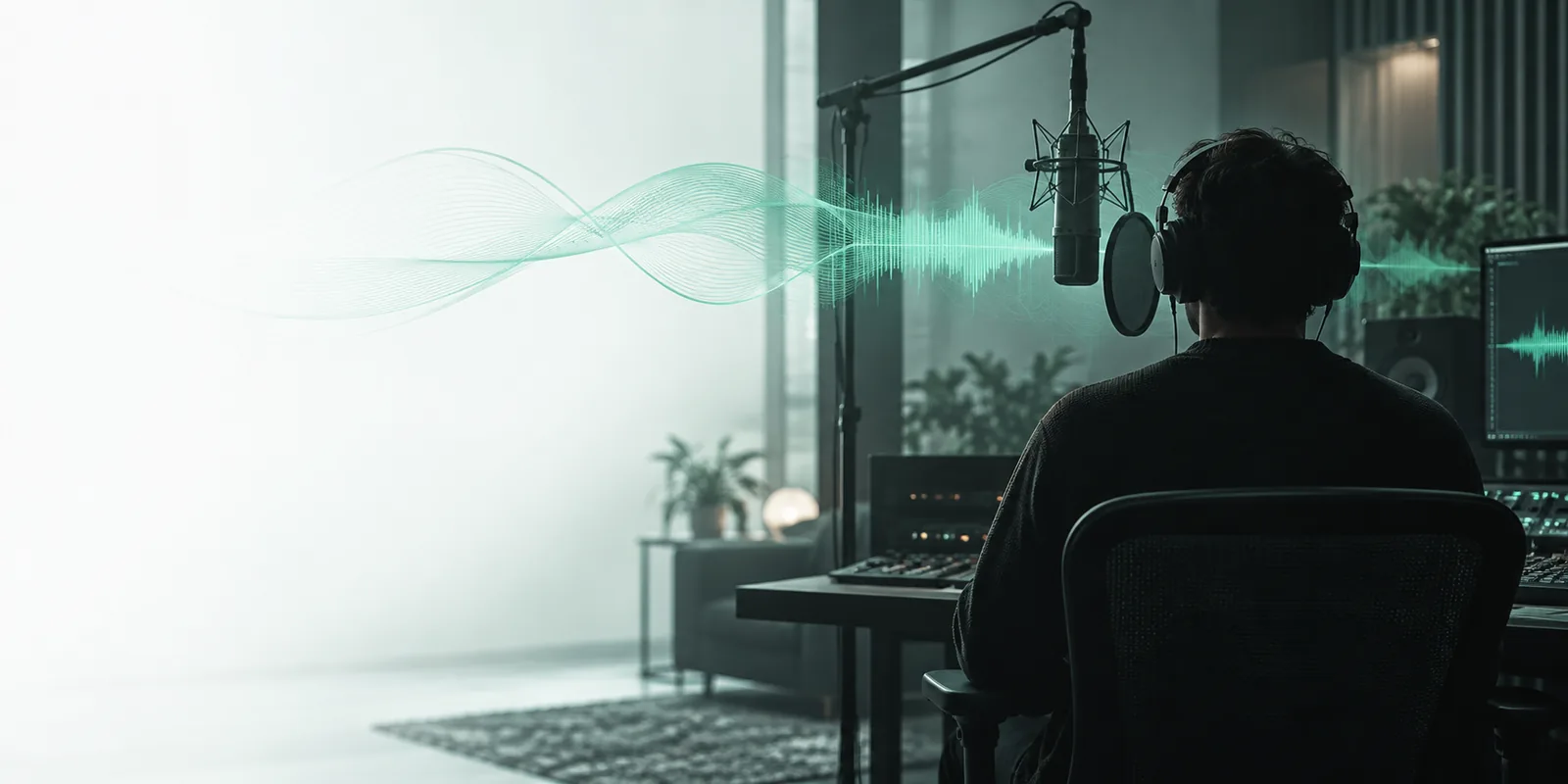
A synthetic narrator, an imitation of a specific speaker, and a general AI voice tool are different requests. These related pages help you narrow down what you mean.
See how the AI voice topic relates to Resemble without assuming that every generated voice is a clone.
Understand why copying a recognizable speaker calls for source audio and explicit permission.
Focus on making spoken audio from a script rather than matching a named person.
The same written line can serve different audiences. Choose the mechanism by the result you need, not by how convincingly it might fool a listener.
A rough cut needs temporary narration while the final script is still changing.
Use a neutral synthetic read to test timing, then replace or approve the voice before publishing.
AI voice generationA short public-service announcement needs an audible version for review.
Check whether names, numbers, and pauses remain understandable when the text is spoken.
pronunciation guidanceA collaborator wants a consistent voice for revised lines they cannot rerecord today.
Discuss consent and source recordings before considering a voice matched to that collaborator.
voice cloning with permissionStudents need an example that illustrates how convincing synthetic speech can sound.
Label the clip as generated and compare it with the script rather than presenting it as genuine evidence.
synthetic voice detectionA practical workflow separates writing, voice choice, and verification. That makes a free first draft useful without treating it as a finished recording.
Enter text you are allowed to use. Spell out unusual names and add punctuation where a pause would help the listener.
Ask for qualities such as a calm pace or clear narration. Do not request a living person's recognizable voice without their authorization.
Check the spoken words against the script, revise mistakes, and identify the result as synthetic wherever an audience could mistake it for a real recording.
These approaches may both produce generated audio, but their inputs, risks, and review requirements differ.
Original synthetic narrator
Create a readable voice for a script
Imitation of a real speaker
Sound recognizably like a particular person
Original synthetic narrator
Written words and delivery direction
Imitation of a real speaker
Written words plus reference material for the speaker
Original synthetic narrator
Permission to use the script
Imitation of a real speaker
Permission to use the script and the person's voice
Original synthetic narrator
Accuracy, pacing, and pronunciation
Imitation of a real speaker
Accuracy, consent, and risk of mistaken identity
Original synthetic narrator
Identify synthetic speech when context warrants it
Imitation of a real speaker
Make both the synthetic origin and authorized imitation clear
Original synthetic narrator
A generic narrator for timing and wording
Imitation of a real speaker
A consented test for a defined production need
A written prompt describes the desired delivery; listening is the only way to assess whether the spoken result actually follows it.
Illustrative images, not an authenticated recording comparison. Verify the words and disclose synthetic audio before sharing it.
Free experimentation does not establish ownership of a voice or prove that a clip is safe to circulate.
A publicly available recording is not permission to imitate its speaker. A convincing result can still misuse someone's identity.
WorkaroundUse an original narrator or obtain clear authorization before working from a person's voice.
Generated speech can misread names, dates, abbreviations, or emotionally sensitive lines.
WorkaroundListen against the source script and correct errors before anyone relies on the clip.
Audio that sounds natural does not verify who said the words or whether an event happened.
WorkaroundKeep the script and production context, and label published synthetic speech.
Availability and permitted uses can vary by tool and change over time; this page does not promise unlimited output.
WorkaroundCheck the tool's current terms before distributing audio for a public project.
Try a short script in Resemble, listen for errors, and keep the audience informed when the finished audio is synthetic. If you need a specific person's voice, resolve consent before you generate or share it.
Yes. Start with a script you wrote and describe a general delivery style instead of naming a real speaker. A synthetic narrator can help you test pacing without attempting an impersonation.
No. Generating speech from text does not necessarily involve matching an identifiable person. Voice cloning aims to reproduce characteristics of a source speaker and raises additional consent questions.
The fact that a video is public does not give you permission to copy the speaker's voice. Get explicit authorization for that use, or choose a non-identifying synthetic voice.
Use a clear label near the clip or in its introduction, especially when listeners might assume it records a real person. If it imitates an authorized speaker, explain that the speech was synthesized rather than recorded live.
A voice system may infer pronunciation from spelling and choose the wrong one. Try phonetic wording, adjust punctuation, and listen to the full line again before sharing it.