Video editor
Draft narration for a short explainer before recording a final take.
Hear where sentences run too long and adjust the script for a more natural pace.
resemble pronunciationVoice generation
Start with a short script and a voice you have permission to use. Resemble helps you approach text-to-speech as a practical workflow: generate a sample, listen for awkward phrasing, and revise before using it.
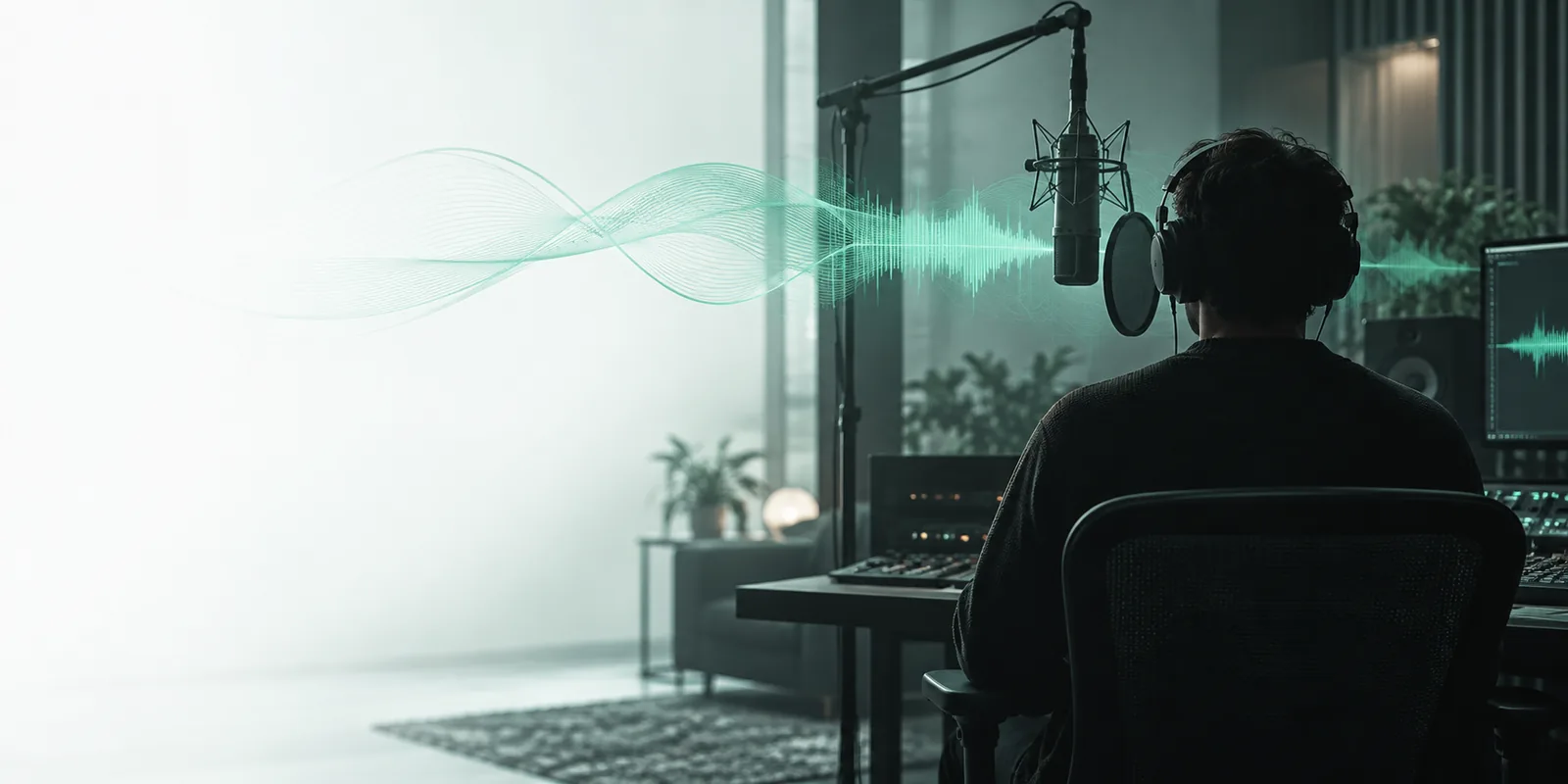
Voice generation starts with words you want spoken. These related routes answer different questions about how a voice sounds, how it is made, and how audio is checked.
Focus on how a word is spoken rather than generating a complete recording.
Explore the separate task of creating a voice from authorized reference audio.
Find the technical route for understanding supported voice workflows.
Look at audio checking rather than audio creation.
A voice generator is most useful when you need to hear written words aloud, compare delivery, or revise a script. It is not a shortcut to copying someone else's voice.
Draft narration for a short explainer before recording a final take.
Hear where sentences run too long and adjust the script for a more natural pace.
resemble pronunciationTest whether instructions sound clear when spoken rather than read.
Revise difficult names and terminology before producing a lesson.
resemble ai documentationListen to an announcement intended for an audio-first audience.
Catch ambiguous wording and missing context in a quick voice sample.
resemble detectCompare a neutral read with a warmer delivery for a segment introduction.
Choose the direction that fits the script without implying a real host recorded it.
free resemble voice cloningKeep the first attempt short. A small sample makes it easier to tell whether a problem comes from the script, pronunciation, or delivery.
Use complete sentences, punctuation, and a clear intended audience. Spell out abbreviations that a listener might misunderstand.
Ask for a tone such as calm, conversational, or instructional. Choose an available voice you are entitled to use rather than requesting an imitation of a person.
Check names, pauses, emphasis, and the opening sentence. Rewrite the text or adjust the voice direction, then generate another sample if needed.
A free resemble ai voice generator workflow can help you test spoken copy, but the resulting audio still needs a human review.
Unusual names, acronyms, and technical terms may be stressed or pronounced incorrectly.
WorkaroundSpell terms phonetically where appropriate and listen to the full sample.
Generating speech and recreating a recognizable person's voice are different activities; a text prompt does not grant permission.
WorkaroundUse an authorized voice and obtain explicit permission before working with a person's likeness.
A convincing voice can still read inaccurate, outdated, or misleading text.
WorkaroundFact-check the script and identify synthetic narration when its origin matters.
Available voices, export options, and usage limits can change by destination.
WorkaroundCheck the current tool's terms and controls before planning a longer production.
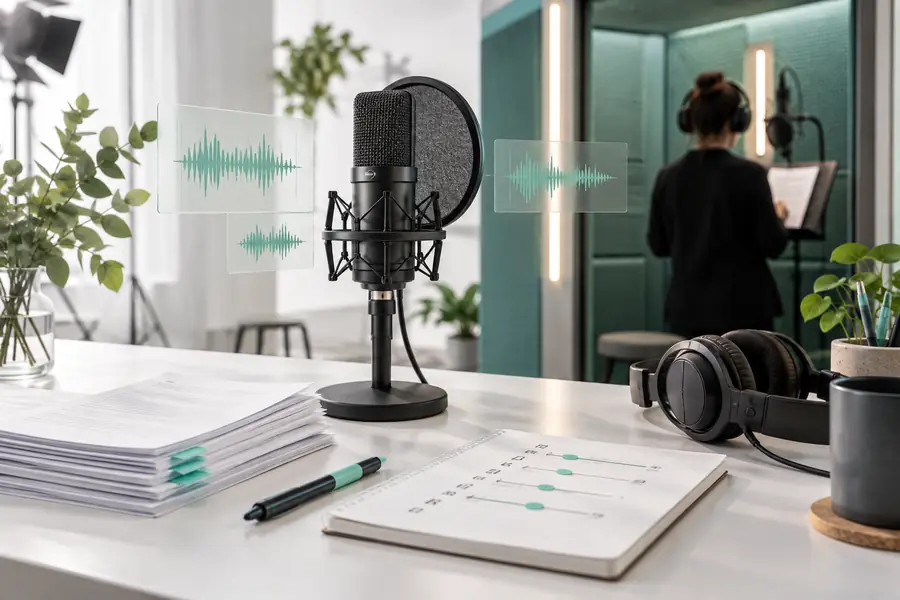
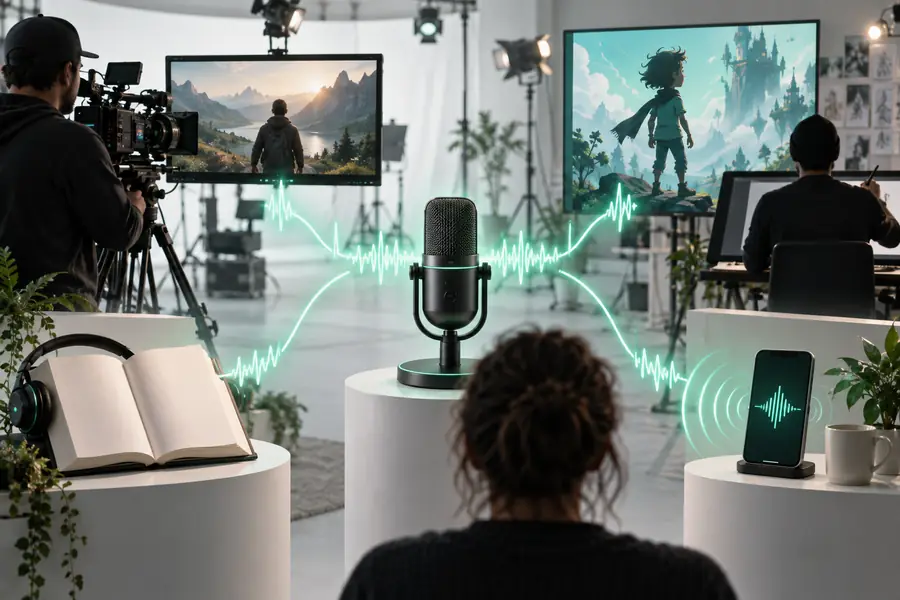
These images illustrate the workflow, not an actual audio result. Judge the output by listening for clarity, pacing, and correct pronunciation.
Both can produce speech, but they begin with different inputs and raise different permission questions.
Text-to-speech generation
A written script and an available voice
Voice cloning
Authorized reference recordings plus a script
Text-to-speech generation
Hear new words spoken aloud
Voice cloning
Create speech with characteristics of a particular voice
Text-to-speech generation
Check wording, pace, and pronunciation
Voice cloning
Check consent, voice quality, and likeness
Text-to-speech generation
A short paragraph with varied punctuation
Voice cloning
A consented sample covering varied sounds
Text-to-speech generation
Treating the first read as final
Voice cloning
Assuming available audio means permission to clone
Text-to-speech generation
Revise the script and generate another sample
Voice cloning
Confirm authorization before creating or sharing audio
Write a few lines, choose a permitted voice, and listen closely. Resemble works best as an iterative voice workflow: a clear first sample gives you something specific to improve.
You can start by entering a short script and choosing a voice you are allowed to use. Review the current destination's available features and any usage limits before relying on it for a larger project.
No. Text-to-speech generates a reading from written words using an available voice, while cloning aims to reproduce characteristics of a voice from reference audio. Cloning a recognizable person requires appropriate permission.
Include a short script and a simple delivery direction, such as calm and conversational. Add punctuation where you want natural pauses, then listen before making the prompt more elaborate.
Names and uncommon terms may have more than one plausible pronunciation. Try a phonetic spelling or rewrite the sentence, then listen to the new sample rather than assuming the change worked.
Listening first is important because clear-sounding speech may still contain odd pauses, incorrect names, or claims that need fact-checking. Review both the recording and its script before sharing it.